The Consent Boundary in Internal Tools: Who Can See the Notes?

Updated: Oct 19
Executive summary
Internal tools grow a note field the way a workbench grows drawers: everything eventually lands in one. A note that starts as "user had trouble with the export feature" drifts, over months, into "user was dealing with a family issue and missed the deadline." The first note is operational. The second is personal data collected without consent, now readable by everyone with tool access. This post describes a lightweight consent boundary for internal tools: separating operational notes from personal-context notes, limiting visibility of the latter, and making the boundary visible to the people typing.
How operational tools quietly become privacy problems
Nobody sets out to collect sensitive personal data in an ops tool. It arrives one helpful sentence at a time, usually because personal context genuinely changes how you support someone. The problem is not the knowledge — it is where the knowledge is stored and who can see it.
The failure has three parts. The note field has no visibility rules, so "everyone with tool access" includes people who will never work with that person. There is no record of consent, because the note was typed in a hurry by someone trying to help. And there is no expiry, so context that was relevant and volunteered once remains readable forever, by people who lack the context to interpret it kindly.
Draw the boundary: two fields, not one
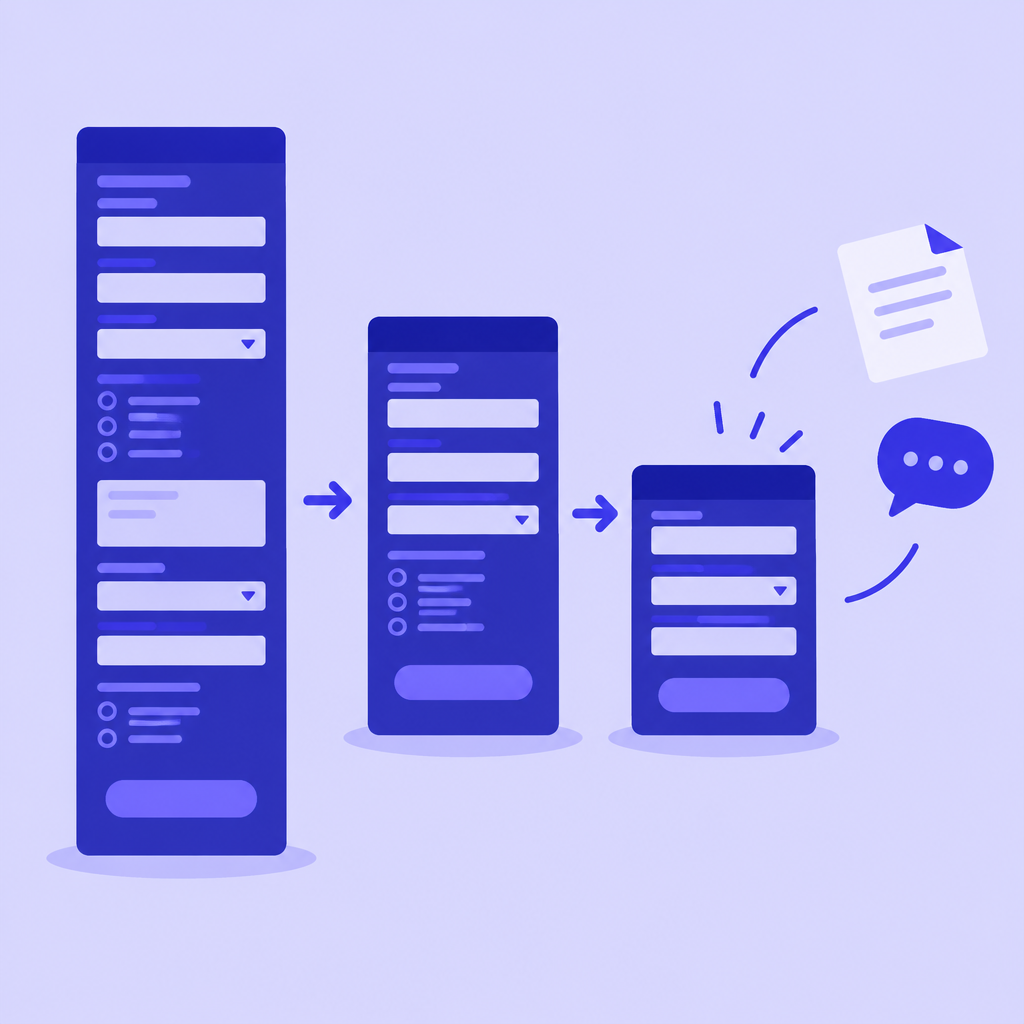
The structural fix is to stop using one field for two kinds of information.
Operational notes describe the work: what the user needs, what was tried, what is blocked, what to do next. They are written so that any teammate could act on them. They default to tool visibility, because the work is shared by design.
Personal context notes describe the person: health, family, finances, disputes, anything the user would not expect a stranger to read. They should live behind a separate, restricted visibility level — visible only to the assigned team, not the whole tool audience — and they should require an explicit reason at entry time.
The act of choosing which field to type in is itself the control. When the personal-context field asks "why does the team need this?" at entry, the operator either produces a support reason or realizes the note does not need to exist.
Consent is a recording practice, not just a policy
For personal context that users volunteer directly, the tool should support capturing that the user said so: "user told us they'll be out for two weeks; asked us to pause the schedule." That single sentence is the difference between context the user shared deliberately and context a third party observed and wrote down. When an access review or a data subject request later surfaces the note, the consent trail answers the first question everyone asks.
Practical rules that keep this lightweight:
If the note would embarrass the user when read back to them, it belongs behind the consent boundary or it does not belong in the tool at all.
Personal context expires. Set a review date on restricted notes; if the context is no longer operationally relevant, remove it rather than archiving it forever.
Never let personal context become a status field. "Difficult client" tags are the fastest way to turn collected context into institutional prejudice.
Access reviews that actually check the boundary
A quarterly review of the restricted-notes area does more for privacy posture than most policy documents. The review asks three questions: does each restricted note still have an operational reason? Is the visibility list still the smallest set of people who work with this person? Has any operational note drifted into containing personal context that needs to move?
Drift is the normal condition, not the exception. The review exists because the boundary erodes continuously, and a 30-minute check catches it before an incident does.
Conclusion
Consent boundaries in internal tools are less about policy language and more about where sentences land. Two fields instead of one, restricted visibility for the personal one, a recorded reason at entry, and an expiry the team actually enforces. Users volunteer context to people they trust; the tool's job is to make sure that trust is structurally protected, not just intended.
Disclaimer
This article is for general informational purposes only and does not constitute legal, cybersecurity, workforce, or operational advice. BlueVioletApps LLC is an independent company and is not affiliated with, endorsed by, or sponsored by any federal agency, military branch, or government organization. Always validate requirements with qualified professionals and the responsible authorities for your environment.


Comments