Multi-Site Rollout Without a Rollout Team

Executive summary
Small teams routinely face rolling one tool out to several sites with no training staff and no field support. The instinct is to schedule every site on the same date, because it looks efficient and ends the project sooner. It usually produces concentrated support load, repeated defects, and one bad configuration propagated everywhere at once. This paper describes a wave based rollout a two or three person team can actually run. It covers cohort selection, the readiness gate each wave must pass, what a local owner does in twenty minutes a week, training material that survives being forwarded, per site configuration registers, local rollback, and a communications cadence. It closes with a three wave rollout where the second wave surfaced a permissions defect before it could reach every site.
Why simultaneous rollout fails
A single date feels decisive. It also concentrates every consequence into one week.
Support load lands all at once. Every site discovers the same confusion on the same morning, and the two people who answer questions cannot talk to all of them. Defects multiply rather than repeat. One site reports a permissions problem, another a printing problem, a third a mapping problem, and the team triages three novel failures with no capacity to fix any properly.
The most expensive failure is the shared configuration. Push one setting everywhere and a mistake in it exists everywhere, in production, at the same moment. Recovery then requires touching every site while every site is unhappy.
A wave based rollout trades speed of announcement for speed of learning. The first wave is small enough to support by hand and large enough to expose what the tool does not yet handle.
Waves and how to choose cohorts
Waves are cohorts, not batches by geography. Choose each by the conditions it tests.
Wave one: the willing and the tolerant. A patient supervisor, a stable network, recent experience absorbing change. This wave finds the obvious defects and the confusing screens.
Wave two: the constrained. Reduced manning, an older device, a different shift pattern. This wave finds the assumptions you did not know you had made.
Wave three: everyone else, in two or three groups. By now the support answer is written, the defects are known, and earlier owners can be named in the announcement.
Size wave one to what you can support manually for two weeks. For most small teams that is one site, or one crew at one site. Resisting the urge to add a second site to wave one is the most useful discipline in the whole rollout.
The readiness gate between waves
A wave does not advance because the calendar says so. It advances because the previous wave passed a gate. Three criteria, all three required.
Primary task completion rate. The share of users at that site who completed the tool's main job unaided in the last week. Set the bar high enough that "most people managed" is not a pass.
Support tickets per user. Tickets per active user per week, trending down. A flat or rising rate means the tool is still surprising people, and the next wave will be surprised the same way.
A named local owner who has completed one full cycle. Not a volunteer mentioned in an email. Someone who has run the task end to end and can answer basic questions without calling you.
Any of the three failing holds the wave, and holding is normal. Publish the results where sites can see them, so a delay looks like a standard step rather than a judgment about a particular command.
The local owner, in twenty minutes a week
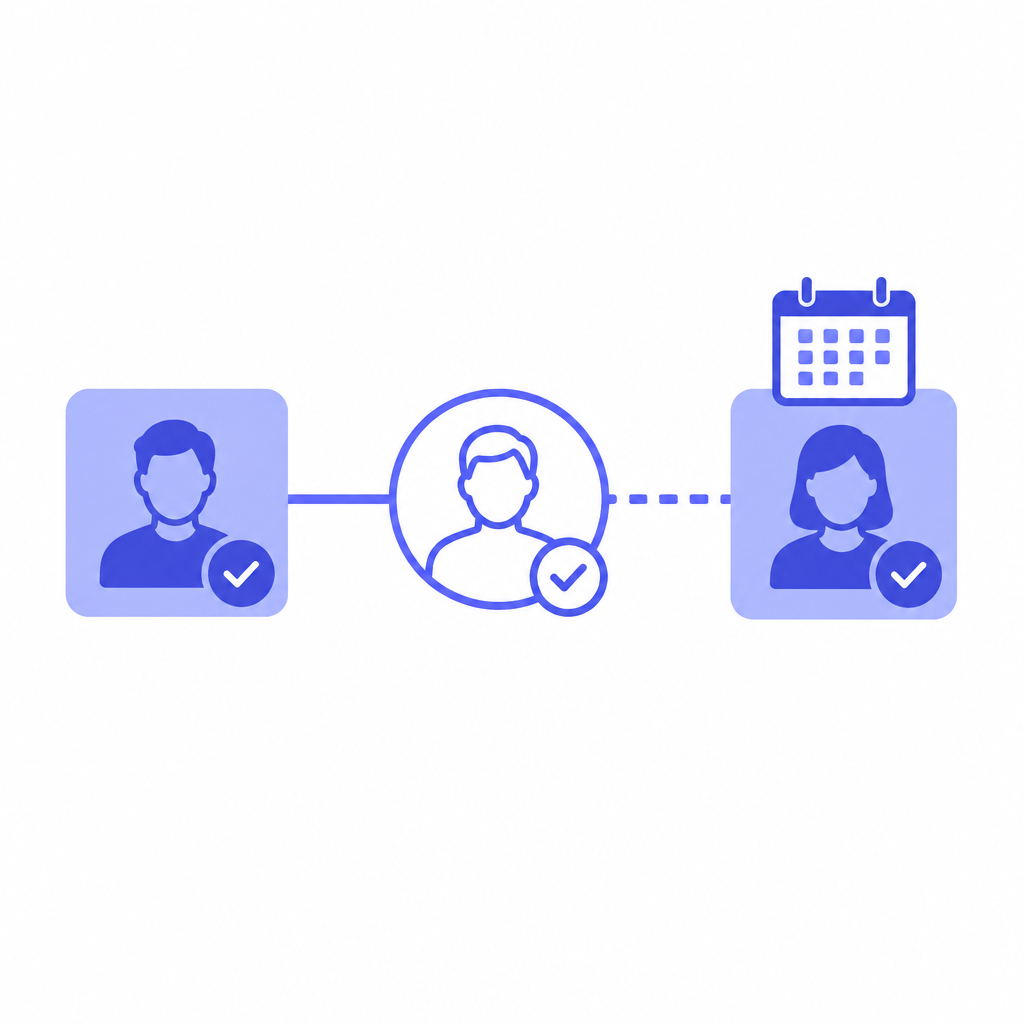
The local owner is the entire field organization. Choose someone who does the work, not someone who supervises it. Twenty minutes a week, four activities:
Walk the floor and ask two people how it went this week.
Check that the primary task was completed in the tool, not around it.
Report one thing that worked and one thing that broke, in writing.
Confirm the site configuration still matches the register.
That is the job. It is deliberately small, because a role requiring an hour will not be filled, and deliberately specific, so the answer is not a vague "seems fine."
Give the owner a named counterpart on your side and a response commitment. An owner who reports into silence stops reporting within a month.
Training that travels
You are not building a training program. You are building three artifacts that survive being forwarded to someone you have never met.
A one page quick reference. The primary task in eight steps or fewer, one screenshot per step, no paragraphs. Sized to print and pin.
A ten minute walkthrough. Screen recording, real data shape, pauses where the operator needs to click.
A peer demonstration by the previous wave's owner. Fifteen minutes at a shift brief. Someone from a sister site describing what actually confused them beats any recording, and it costs one phone call.
Nothing else. Long manuals are not read at the point of work, and a curriculum you cannot staff creates an obligation you cannot meet.
A configuration register per site
Sites drift. Someone adjusts a threshold to quiet an alert, someone else adds a label, and six months later two sites run different products with the same version number.
A configuration register is one table: a row per site, a column per setting that matters. Twelve to twenty columns, not two hundred. Keep it where every site can read it, and update it the same week as the change.
Every setting has an owner and a default.
A deviation is recorded with a reason and a review date, not just a value.
Reviews are monthly and take minutes. Anything past its review date gets reverted or renewed.
The register is checked against the running configuration, not trusted on its own.
The register turns "our sites are different" from an accepted fact into a visible list of decisions.
Rollback per site without touching the others
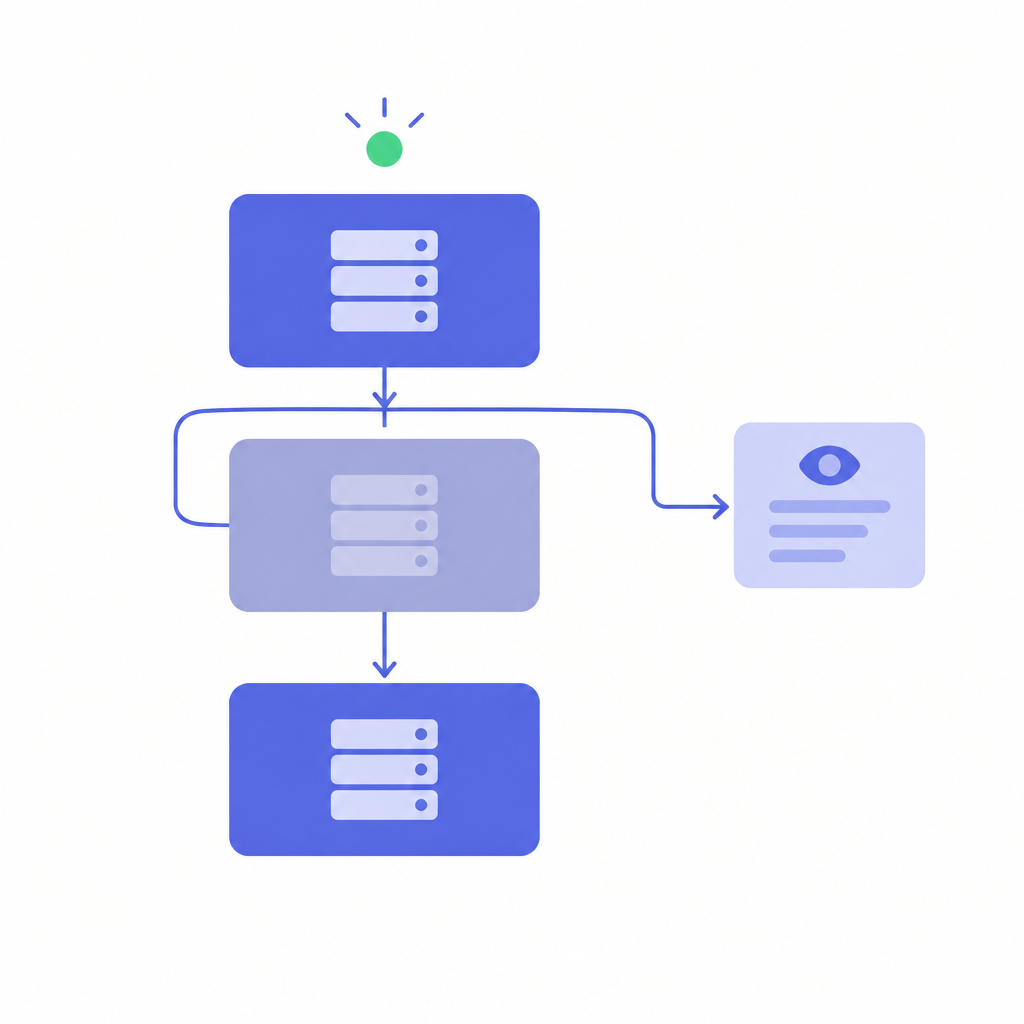
Rollback must be local or it is not rollback. If undoing a change at one site requires a coordinated release, no one calls for it, and small problems are absorbed until they are large.
Three things make it possible. Configurations are separable, so restoring one site does not rewrite another's settings. Data is attributed by site, so a rollback does not orphan records created that week. The previous version stays deployable for a stated window, not just until the next release.
Decide in advance who may call a rollback and what it costs. A supervisor who can roll back their own site within an hour uses that authority early, when the problem is small. The same supervisor facing a three week escalation does not.
The communications cadence
Sites fill silence with rumor. A simple cadence removes most of it.
Before a wave: one note with the date, the primary task, what will not change, and who the local owner is.
During the wave: one short update per week, same day, even when nothing is new. "No change this week" is information.
After the gate: the results plainly, including failures, and the date of the next wave or the reason there is not one.
When something breaks: what happened, who is affected, what to do now, when the next update comes.
Keep it to one channel and one author. A rollout explained by four people in three places has no message at all.
Worked example: three waves, second wave found the permissions defect
A small team deployed a parts requisition tool to four sites. Wave one was a single maintenance shop with a volunteer supervisor and a stable network. It went reasonably well: two users could not find the approval step, fixed with a quick reference change, and one report was wrong for a day.
Wave two was a supply site on a reduced watch schedule, older handheld devices, and a shift pattern crossing midnight. Two days in, the local owner reported that night shift supervisors could not approve anything. The permission model granted approval rights at sign in, which worked on day shift because those supervisors signed in after the roles were updated. Night shift supervisors were already signed in when the change applied, and their session kept the old rights until it expired at end of shift. Nothing was wrong with their accounts.
Had all four sites gone live at once, the defect would have appeared everywhere within hours, on the shift least able to reach anyone for help, competing with three other problems. Instead it appeared at one site, was understood in a day, and was fixed with a session refresh on role change plus a line in the quick reference telling supervisors to sign out and back in.
The gate did its job. Wave two had not passed completion rate, so wave three moved by three weeks. In that time the team also fixed a device screen scaling problem the same wave surfaced, which three sites would otherwise have reported simultaneously.
The rollout took longer than planned and finished with no escalation and no site holding an unfixed defect.
Conclusion
Rolling a tool out without a rollout team is possible if you accept a slower sequence and buy learning at each step. Small waves, an honest gate, one named owner per site, material that can be forwarded, a register that makes drift visible, a rollback that stays local. The cost is a few weeks. The alternative is discovering every defect everywhere on the same morning.
Disclaimer
This article is for general informational purposes only and does not constitute legal, cybersecurity, workforce, or operational advice. BlueVioletApps LLC is an independent company and is not affiliated with, endorsed by, or sponsored by any federal agency, military branch, or government organization. Always validate requirements with qualified professionals and the responsible authorities for your environment.

Comments