Capacity Planning for Watch Floors

Executive summary
Most capacity plans divide monthly volume by working days and call the result a requirement. That number describes a day nobody experiences. A watch floor runs in cycles: relief periods, month end, inspection weeks, deployment workups. Each is predictable and each is invisible in a monthly average. This paper describes how to size a tool and the people who operate it for the peak relief period. It covers a three case load profile, the difference between system and people capacity, the queue measure that actually signals trouble, a pre-decided order for shedding work, instrumentation that tells you which mode you are in, and a one page surge plan with triggers. It closes with a worked example of a tool that performed well all month and timed out on the first day of a relief cycle.
Average load is the wrong denominator
Capacity plans usually begin with monthly volume divided by working days. The arithmetic is clean. The result holds on quiet Tuesdays and fails when the watch floor is stressed.
A watch floor does not experience average load. It experiences cycles. A relief period changes who is on console and how much context each person carries. Month end adds reconciliation. Inspection weeks add evidence gathering on top of normal work. Deployment workups compress training, maintenance, and reporting into the same days. None of it is random, and all of it is on a calendar.
Sizing to the average means sizing to the calmest third of the month and testing against the loudest day. The proof only arrives during a relief cycle, and by then the plan is in use.
The denominator should be the interval you cannot afford to fail, not the one that happens most often.
Build a load profile with three cases
A load profile describes demand in the units your tool processes, not monthly totals. Build it from timestamps of real work over the last quarter, counted by hour and marked against the operations calendar.
Three cases are enough.
Nominal. Normal manning, routine volume, one person absent. The case your tool must run without anyone watching it.
Surge. A known event on the calendar: a relief cycle, month end close, an inspection week, a workup. Manning may be normal or reduced, while volume and concurrency rise inside a narrow window.
Worst plausible. Surge plus one credible casualty: a degraded integration, a key operator out, a batch job that overruns into the busy hour. It is bounded and specific, not a fantasy of simultaneous catastrophe. A plan built for fantasy justifies any cost and therefore guides no decision.
For each case, record three numbers: peak concurrent users, work items per hour, and the longest acceptable wait for the primary task. Those three drive how many people you need and what the tool must survive.
System capacity and people capacity are separate problems
System capacity is measured in transactions per interval, timeout thresholds, batch window length, integration throughput, and behavior when two jobs collide. People capacity is measured in attention: decisions per hour a qualified operator can make, screens they can hold in mind, exceptions they can process before quality drops.
Confusing the two produces the wrong remedy. A tool that times out under load looks like a slow operator. A tired operator looks like a slow tool. Teams then spend money on the wrong one: a purchase to fix a workflow problem, or staffing to absorb a queue a scheduled job created.
Ask both questions for every surge case. Can the system serve the peak interval without degradation? Can the assigned watch team complete the primary task in that interval with the context they have on relief day? Yes to the first and no to the second is a staffing or design problem, and capacity does not fix it.
The queue length that tells you something
Queue depth is a poor signal. Forty items that arrived in the last ten minutes describe a busy morning. Six items whose oldest has waited four hours describe a failing watch floor.
Two measures carry the information. The first is the age of the oldest unworked item against how long it may wait before the mission is affected. The second is arrival rate against service rate across consecutive intervals. A queue grows for a reason, and the reason is usually visible before the queue is large.
Set thresholds on age, not depth. A workable rule: when the oldest item exceeds tolerance for two consecutive intervals, the watch declares surge and starts shedding. Two intervals rather than one prevents a single slow batch from triggering a false alarm.
Decide what to shed before you need to
Under surge, prioritization happens in the moment, by whoever is most tired, with incomplete information. That is the worst possible arrangement. Write the degradation order in a calm week and make it standing policy.
A workable order, adapted to your environment:
Defer scheduled report refreshes that no one reads during the watch.
Pause bulk imports, backfills, and any job touching the same tables as live work.
Reduce notification fan-out to the primary channel only.
Hide optional fields on capture forms so the primary path is shorter.
Suspend dashboards that do not drive a decision within the hour.
Defer non-critical transaction types, with written notice to affected users.
One category never gets shed: audit logging, access checks, and error visibility. Those are the records that explain what happened, and they are the first things an improvised response quietly disables. Name who can declare the order in effect, and who can restore normal operation. Two names, written down.
Adding a screen instead of removing a step
The reflex response to a slow watch floor is to add. Another dashboard, another alert, another checklist tab. Each addition costs attention, and attention is what is already short during surge.
Apply one question to any proposed change: does it reduce the steps in the primary task during the surge case? If not, it is a new burden wearing the costume of a solution.
Changes that reduce steps are unglamorous. Merge two forms into one. Prefill a field the system already knows. Default a value that is usually correct. Allow a bulk action where operators repeat the same click forty times. Turn a validation that blocks the save into one that warns. None of this demos well. All of it pays back every shift.
Instrumentation that tells you which mode you are in
You need to know which case you are in within ten seconds, without asking anyone. Five numbers, one screen:
Work items completed per interval, by type
Age of the oldest unworked item
Error and timeout rate
Operators on console compared with the number the current case requires
Manual workarounds observed: rekeyed entries, side spreadsheets, items finished outside the tool
The last is the most important and the least collected. Workarounds are the earliest evidence the tool has stopped fitting the work, and they appear before the queue does.
A one page surge plan
A surge plan fits on one page or it will not be read. Four blocks, each with a name beside it: triggers, actions, owners, review.
Relief cycle begins. Confirm manning, pause bulk jobs, brief the incoming watch on the degradation order.
Oldest item age over tolerance twice. Declare surge, execute the shedding order from the top, notify affected users once.
Timeout rate above the nominal baseline. Stop non-essential writes, capture timing evidence, escalate to the system owner.
Two operators report the same workaround. Log it as a defect candidate. Do not normalize it.
A plan without names is a document, not a control. Review it after every activation, one line at a time.
Worked example: healthy all month, failed on relief day
A maintenance scheduling tool served three watch sections. Through a normal month it responded in about a second with no complaints. On the first day of a relief cycle it timed out for roughly forty minutes during morning turnover.
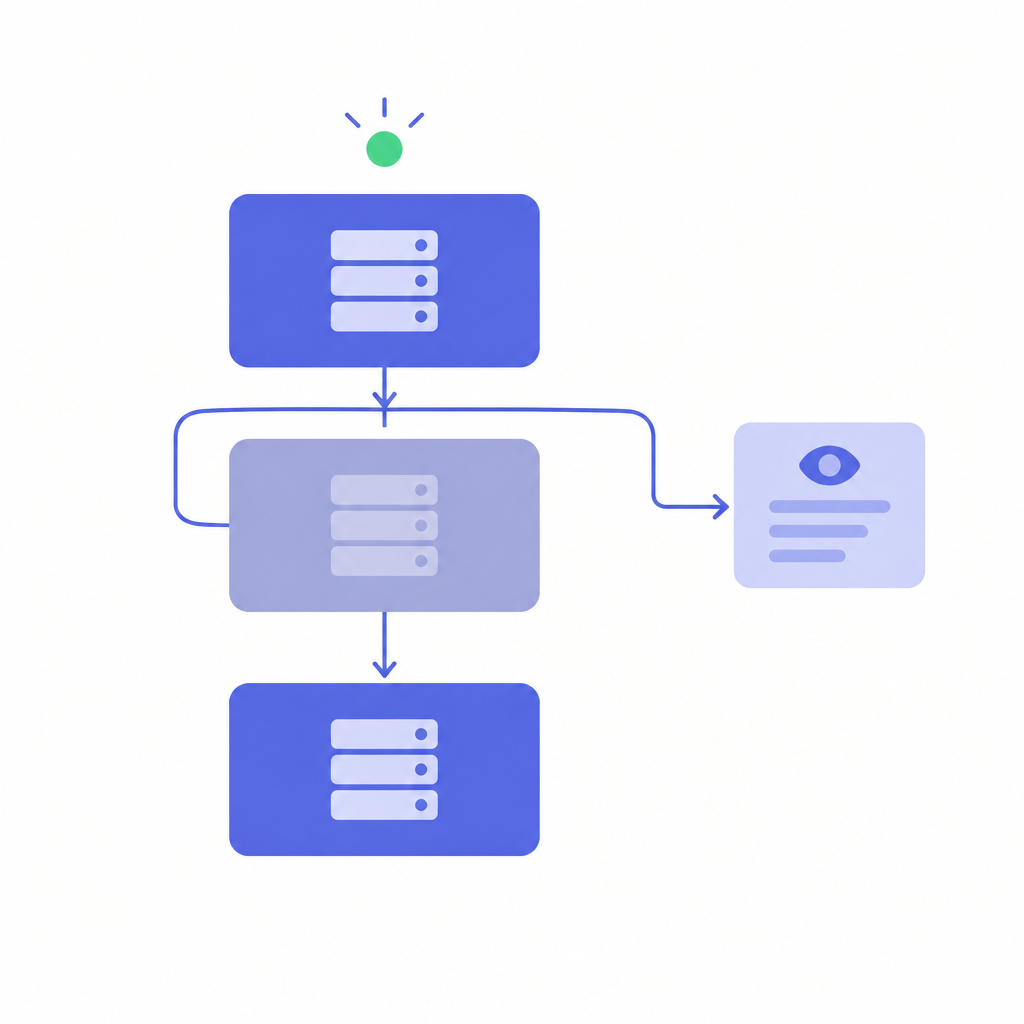
The cause was an overlap, not volume. A nightly job rebuilt assignment state shortly before the watch changed, and a scheduled report read the same tables at turnover. Relief day added a cluster of users signing in at once, many unfamiliar with the tool, and the report plus the batch plus the sign-in spike exceeded what the database could serve. When requests timed out, new users resubmitted, doubling the load during the worst minutes.
Two failures compounded. The tool had no surge case in its profile, so the batch and report were scheduled by convenience rather than load. The people had no relief day preparation, so their natural response to a timeout was to retry, which is also the wrong one.
The fixes were small. Move the batch earlier, make the report incremental so it no longer reads the full table, add a turnover mode that pauses scheduled reports, and tell incoming watches what to do when the tool is slow. The load profile was rewritten with relief day as the surge case, and the worst plausible case now includes a batch overrun. Nothing was purchased. The tool was never undersized for its average day, only for the day the mission needed it.
Conclusion
Capacity planning for a watch floor is a scheduling and attention problem as much as a hardware problem. Size for the peak interval, measure system and people capacity apart, watch the age of the oldest item rather than queue depth, and decide in advance what you will stop doing. A tool that holds on average and fails on relief day does not have a capacity problem. It has an unexamined calendar.
Disclaimer
This article is for general informational purposes only and does not constitute legal, cybersecurity, workforce, or operational advice. BlueVioletApps LLC is an independent company and is not affiliated with, endorsed by, or sponsored by any federal agency, military branch, or government organization. Always validate requirements with qualified professionals and the responsible authorities for your environment.

Comments