Data Freshness as an Operational Control: A Practical Monitoring Framework

Executive Summary
Most teams monitor whether their data systems are available. Few monitor whether the data itself is current enough to support the decisions being made from it. A system that returns yesterday's inventory figures is technically "up" but operationally broken. This paper defines data freshness as a first-class operational control, with practical thresholds, escalation rules, and ownership models that small teams can implement without a dedicated data engineering function.
The Problem with "Available"
Availability monitoring answers one question: did the system respond? It doesn't answer the question that matters most to the operator: is the information I'm looking at still true?
Consider a supply readiness dashboard that shows 94% fleet availability. If the underlying data feed last updated six hours ago, that figure may reflect a reality that no longer exists. A maintenance action completed an hour ago might have changed readiness to 87%. A component failure in the last 30 minutes might have dropped it further. The dashboard says 94% because it's displaying cached history, not current state.
This is not a theoretical problem. It's the gap between "the system is working" and "the information is trustworthy." In federal environments, that gap can mean the difference between a sound logistics decision and a costly miscalculation.
Defining Data Freshness as a Control
Data freshness means: at any given moment, you can determine how old the data is, whether that age is within an acceptable threshold, and who is responsible when it's not.
To operationalize this, treat each data feed as a control with five attributes:
1. Source-Level Timestamps
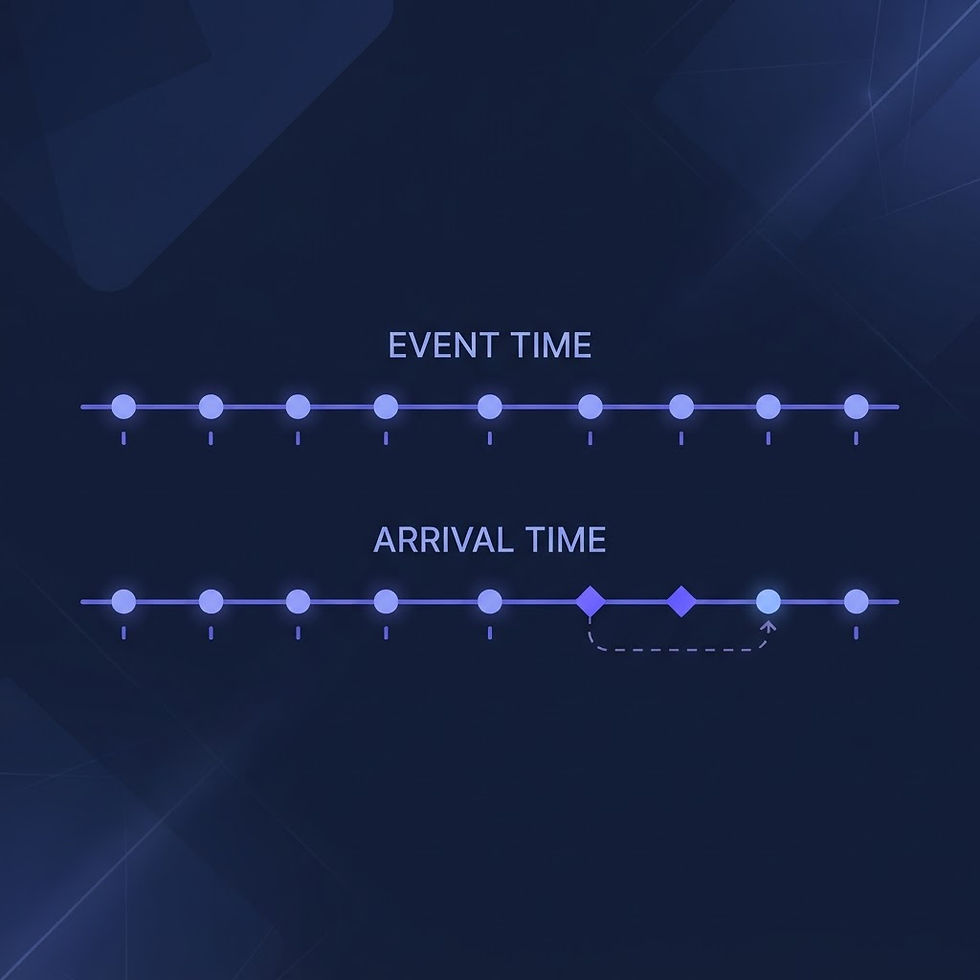
Every data record should carry the timestamp of when the source system generated it — not when your system ingested it. These are two different moments with two different meanings. Ingestion time tells you your pipeline is working. Source time tells you whether the data reflects current reality.
Store both. Display source time to the operator. Alert on source time, not ingestion time.
2. Expected Update Interval
Each data feed has a natural cadence. A sensor reading might update every 15 seconds. A supply inventory snapshot might refresh hourly. A personnel status report might arrive once per shift.
Define the expected interval for every feed and record it as metadata. This becomes the baseline against which you measure freshness. Without a declared expectation, you can't detect staleness — you can only guess.
3. Warning and Critical Thresholds
Set two threshold bands for each feed:
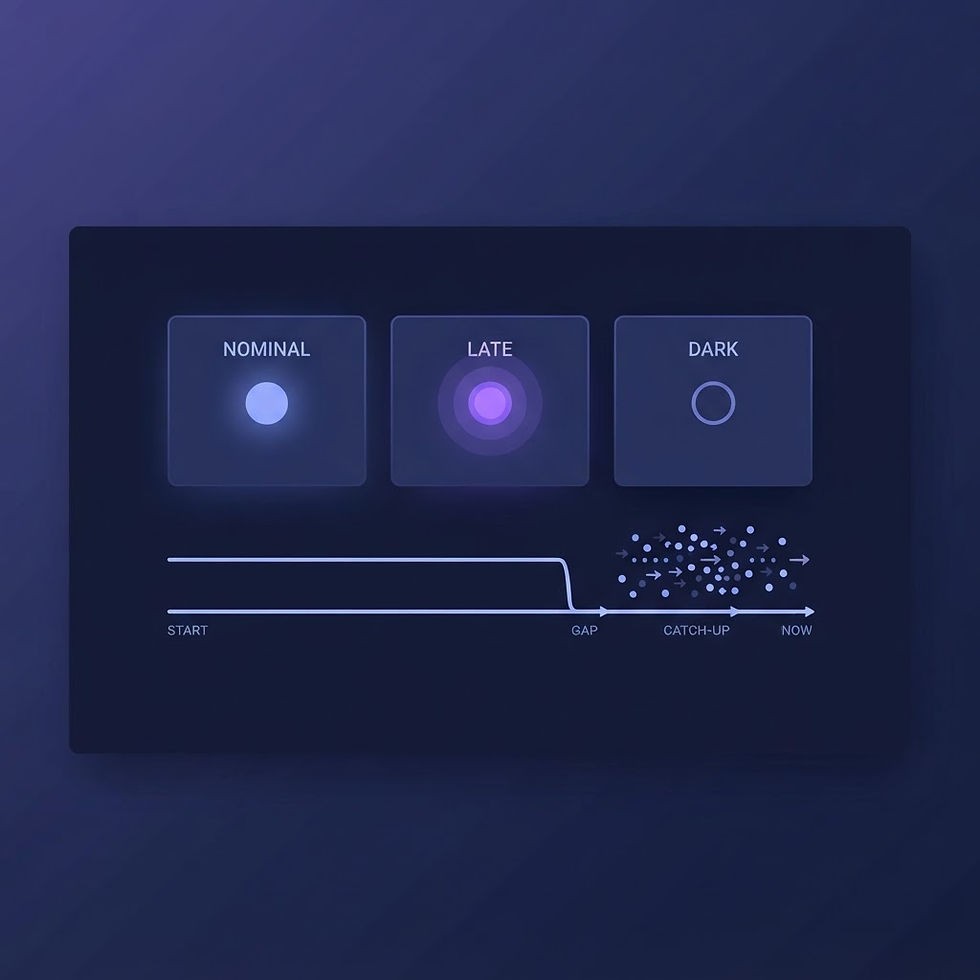
Warning: The data is older than expected but still within a usable window. Action: investigate the feed, check for partial failures, and notify the feed owner.
Critical: The data is stale enough that decisions based on it may be incorrect. Action: display a staleness indicator on the dashboard, suppress automated decisions that depend on this feed, and escalate.
For example, if a feed is expected hourly:
Warning at 75 minutes (1.25× the interval)
Critical at 120 minutes (2× the interval)
These ratios aren't universal — calibrate them to the decision context. A feed that drives automated reordering needs tighter thresholds than one that populates a weekly trend report.
4. Visible Age
The operator should never have to guess whether the data is fresh. Display the age prominently — not buried in a tooltip or a debug panel. A simple "Updated 12 minutes ago" badge is more effective than a timestamp that requires mental math.
When data crosses the critical threshold, the interface should make this impossible to miss: a changed badge color, a banner, or a disabled action button with an explanation. The goal is to prevent decisions based on stale data by making staleness the most visible thing on the screen.
5. Accountable Owner
Every feed needs a named owner — not a team, not a role, a person. When a feed goes stale, the system should know who to notify. When a feed's interval changes, someone needs to update the threshold. When a feed is retired, someone needs to decommission the monitoring.
Without an owner, stale feeds accumulate. Alerts fire into a void. Thresholds drift from reality. The control degrades silently until someone notices a bad decision and traces it back to data that was three days old.
Implementation Without a Data Team
Small teams and solo builders can implement this framework without investing in a dedicated observability platform:
Tag each feed with metadata at ingestion. When you pull data from a source, record the source timestamp, the expected interval, and the owner. Store this alongside the data itself or in a lightweight registry.
Run a freshness check on a schedule. A simple script that compares the current time to the most recent source timestamp for each feed. If the gap exceeds the warning or critical threshold, trigger an alert.
Surface freshness in the UI. Add a freshness badge to every data-driven component. If the data is stale, show it. Don't let the interface imply currency that doesn't exist.
Log staleness events. When a feed crosses a threshold, log it as an operational event — not a debug message. Staleness is an operational condition, not a technical curiosity. It should be visible in the same audit log as any other control event.
Alignment with Federal Controls
This framework directly supports several NIST 800-53 controls:
SI-2 (Flaw Remediation): Stale data feeds often indicate upstream flaws or integration failures. Freshness monitoring detects these conditions before they propagate into decisions.
CA-7 (Continuous Monitoring): Freshness is a measurable indicator of system health. A feed that consistently misses its interval is a signal that the control environment has changed.
AU-6 (Audit Record Review): Staleness events logged as operational events are auditable and reviewable, creating a traceable record of when data quality degraded and who responded.
Conclusion
A dashboard should communicate not only what the data says, but how recently it became true. Data freshness is not a feature — it's a control. By defining expected intervals, setting escalation thresholds, making age visible, and assigning ownership, you transform "is the system up?" into "can I trust this information?" That's the question operators actually need answered.
Disclaimer: This guidance is general and must be adapted to mission, contract, and system requirements. BlueVioletApps LLC is an independent company and is not affiliated with or endorsed by any federal agency.

Comments