The Last Known Good: Making Stale Data Obvious

Executive summary
Most operational tools fail their users in a quiet way: they show old data as if it were current. A number on a screen looks the same whether it was refreshed four seconds ago or four hours ago, and the person reading it has no way to tell the difference. This post explains how small teams can close that gap with simple, honest interface cues — timestamps, freshness labels, and clear "last known good" states — so operators can trust what they see without becoming detectives.
The problem: a stale number looks exactly like a fresh one
On a watch floor, a status board is only as good as the newest reading behind it. If a feed stops updating — a connection drops, a sync job stalls, a device goes offline — the board does not go blank. It keeps showing the last value it received, looking perfectly healthy the whole time.
That is the deckplate gap in its purest form: the operator standing in front of the screen has a decision to make right now, but the tool withholds the one piece of context that decision depends on — when this number was actually true.
The consequences are rarely dramatic. They are quiet and expensive: someone acts on a reading that is hours old, records the wrong value in a log, gives a supervisor an answer that sounds confident but is anchored to a frozen snapshot, and the error surfaces later during a review when nobody remembers which screen it came from. By then the correction costs far more than a timestamp would have.
Why "last known good" needs a label, not a guess
The term "last known good" comes from engineering practice: when a system loses its current input, it holds the most recent value it could verify. That behavior is often the right design. A tool that blanks out entirely when one feed hiccups can be worse than one that shows an older reading, because a reasonable-but-dated answer is frequently better than no answer at all.
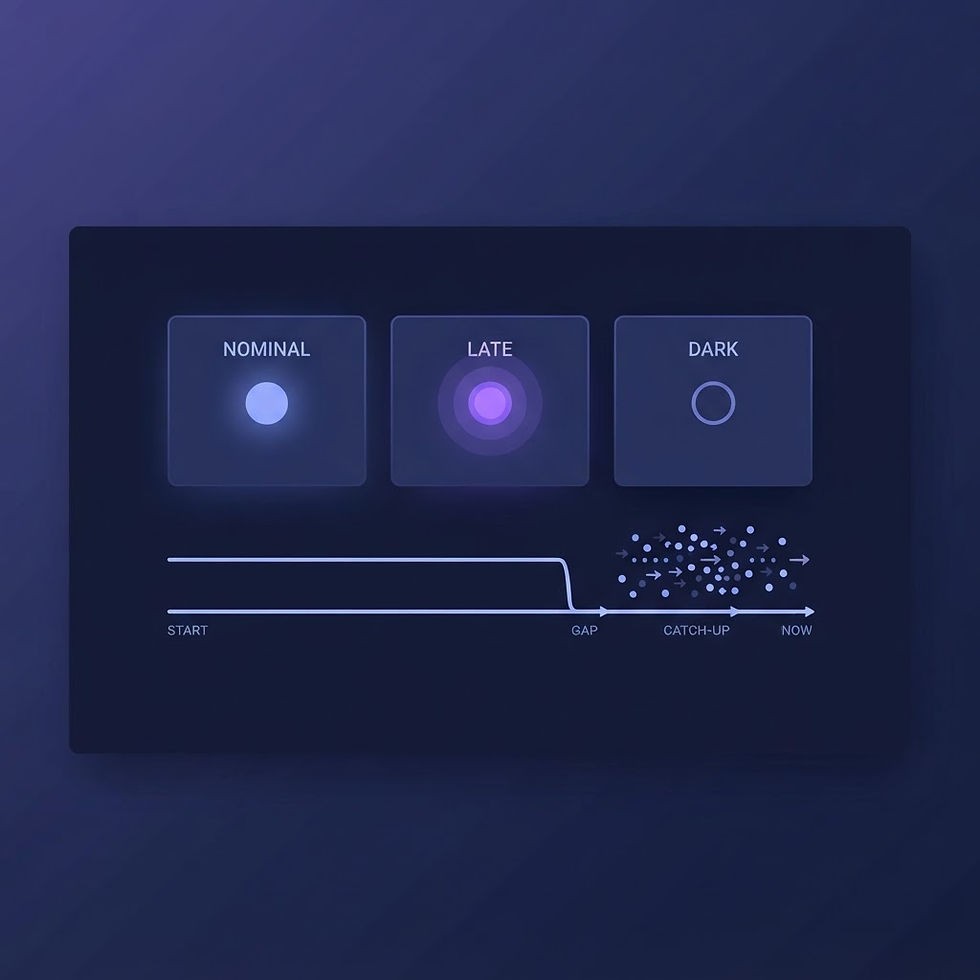
The failure is not in keeping the last known good value. The failure is in presenting it identically to a live one. There are really only three states an operator needs to distinguish:
Live: the value is updating normally right now.
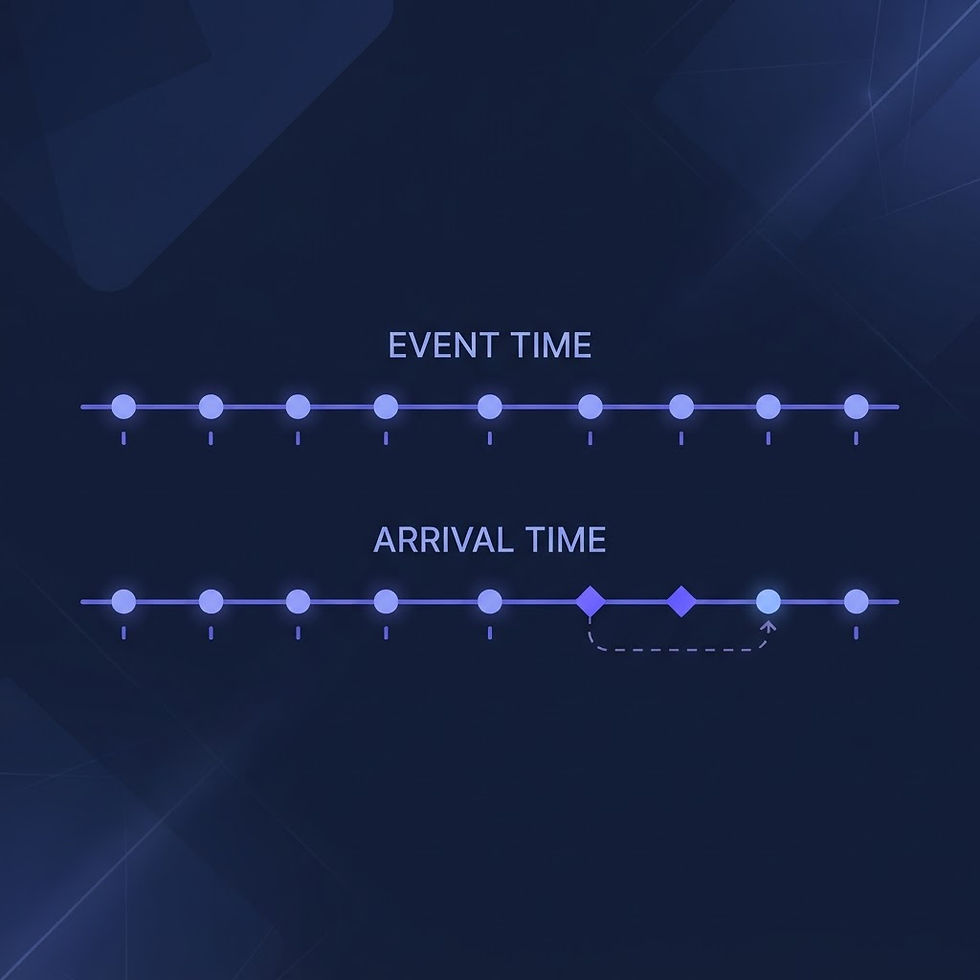
Delayed: the value is older than its normal refresh window, and the system is trying to catch up.
Last known good: the feed has stopped, and this value is a held snapshot from a specific moment in time.
Most interfaces collapse all three states into one: a number on a screen. The fix is not more process or more training. It is making the state visible at the point of decision.
Four cues that cost almost nothing to build
1. Show the age, not just the value. Next to every reading, display when it was last updated — "as of 14:32" — and keep it honest. A timestamp that updates only when the value changes is worse than none, because it looks authoritative while hiding the truth. Age should be computed from the last successful refresh, and it should keep counting up. If the number stops moving, that is itself information.
2. Change the look when the state changes. Live values, delayed values, and held snapshots should be visually different at a glance — different label, different weight, different color. A held value might carry a small "held" tag; a delayed feed might dim slightly. The goal is that an operator walking past the screen can classify it in under a second, without reading fine print.
3. Say what "held" means in plain language. A tooltip or short caption like "Connection lost at 06:14; showing the last verified reading" tells the whole story. Avoid vague warnings. "Data may be delayed" gives nobody anything to act on; "Last update 6 hours ago" gives everyone everything to act on.
4. Make freshness carry through to decisions. If an operator uses a stale value to submit a form, close out a task, or answer a check-in question, the record should note it. Not with a heavy workflow — a simple "recorded from last-known-good data (as of 06:14)" line preserves the context that reviews and audits will later need.
None of these cues requires new infrastructure beyond a timestamp that the interface already has access to. What they require is a design decision: that the tool owes its user the age of every number it displays.
Proving it works with a simple test
Before treating the design as finished, run the walk-in test. Hand the screen to someone who did not build it, point at a held value, and ask two questions: "How old is this?" and "Would you act on it?" If either answer is a shrug, the cues are not strong enough. Then degrade the situation deliberately: pause a feed in a test environment and watch whether the display changes within seconds, not minutes.
The same test applies to exports. If a report can be generated from a mix of live and held values, the report should carry the same cues — a data-as-of line in the header is usually enough. A perfect-looking report built on frozen snapshots is a compliance problem wearing a professional outfit.
Closing the gap at the point of decision
The deckplate gap here is not a missing feature. It is a missing honesty. Small teams can close it this week: audit which screens can show held data, add an age indicator to each one, and make sure the age keeps counting when the feed stops. The measure of success is not a new dashboard or a new policy. It is that no operator ever again has to guess whether the number in front of them is happening now or happened four hours ago — the tool simply tells them.
> Independence and use disclaimer: This article is independent educational content from BlueVioletApps, LLC. It is not official government policy, legal advice, or a compliance determination. Readers should validate requirements against the authoritative source and their own operating context.

Comments